
Startup names
Generate several marks for a new product idea.
SVG Logo Generator
Generate logo marks, monograms, badges, and small brand systems before spending time on a full identity pass.


Turn a product idea into logo directions
Describe the audience, symbol, tone, and use case. GlyPho helps you compare several SVG logo routes quickly.
Explore simple symbols for products, campaigns, and tools.
Generate letter-based SVG logo directions.
Create launch marks, community badges, and product labels.
Use SVG output for landing pages and product prototypes.
Logo tasks this page supports
Use the generator to compare directions before committing to a final identity.
Generate several marks for a new product idea.
Create feature marks and mini tool identities.
Make short-lived launch and update graphics.
Why generate SVG logo directions?
Early brand work benefits from speed, comparison, and web-ready files.

Look at multiple shapes before refining one option.
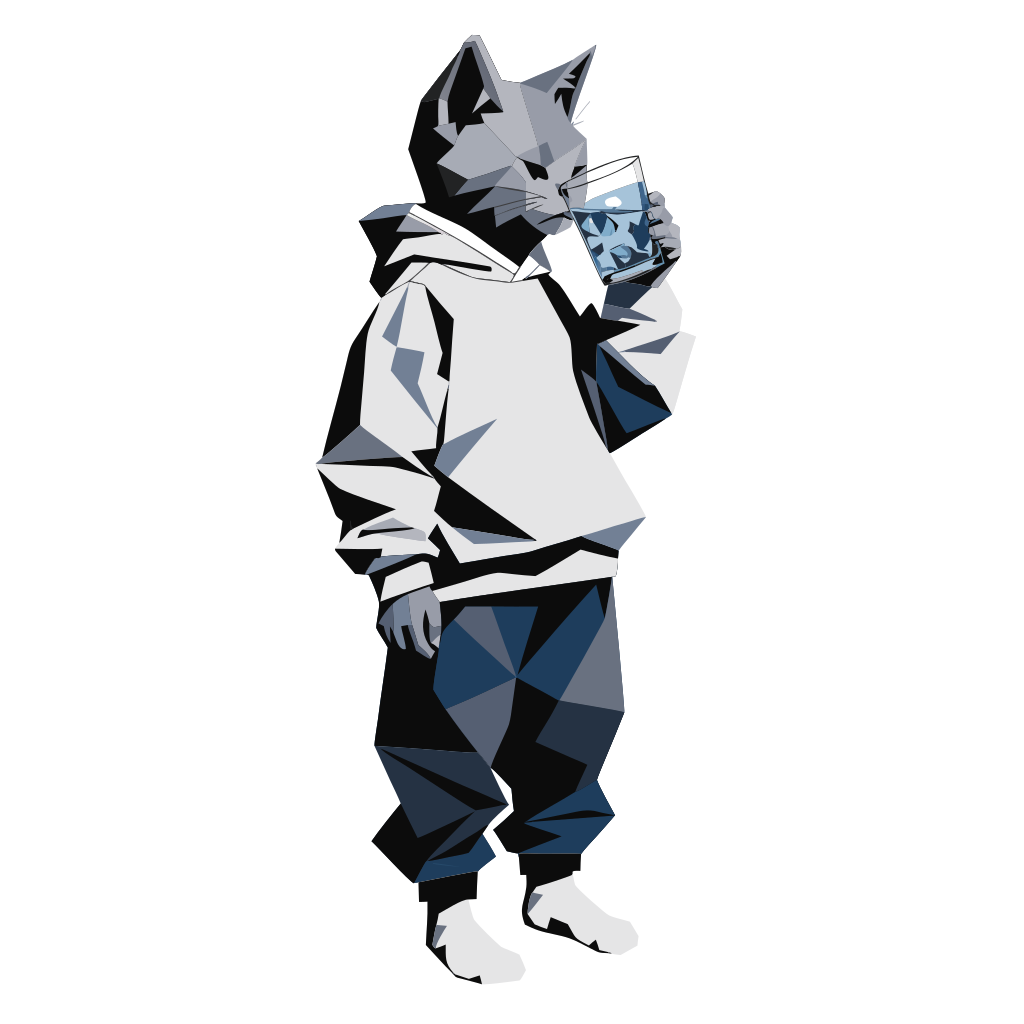
SVG marks stay crisp on product pages and decks.

Prototype the brand direction before booking a full identity process.
SVG logo generator FAQ
Questions to answer before using generated logo directions.
Treat AI logo output as a strong direction or prototype. For trademark-sensitive brands, review originality and clearance separately.
Name the product, audience, tone, symbol, shape density, and whether the mark must work at small sizes.
Yes. Generate a small set, then change one prompt variable at a time.
Open GlyPho and create the first mark for your next product or campaign.